Users and roles
Add coworkers, choose who is an Administrator, and limit Staff to their department.
The Users page lists everyone who can sign in to your city. Only Administrators can see it.
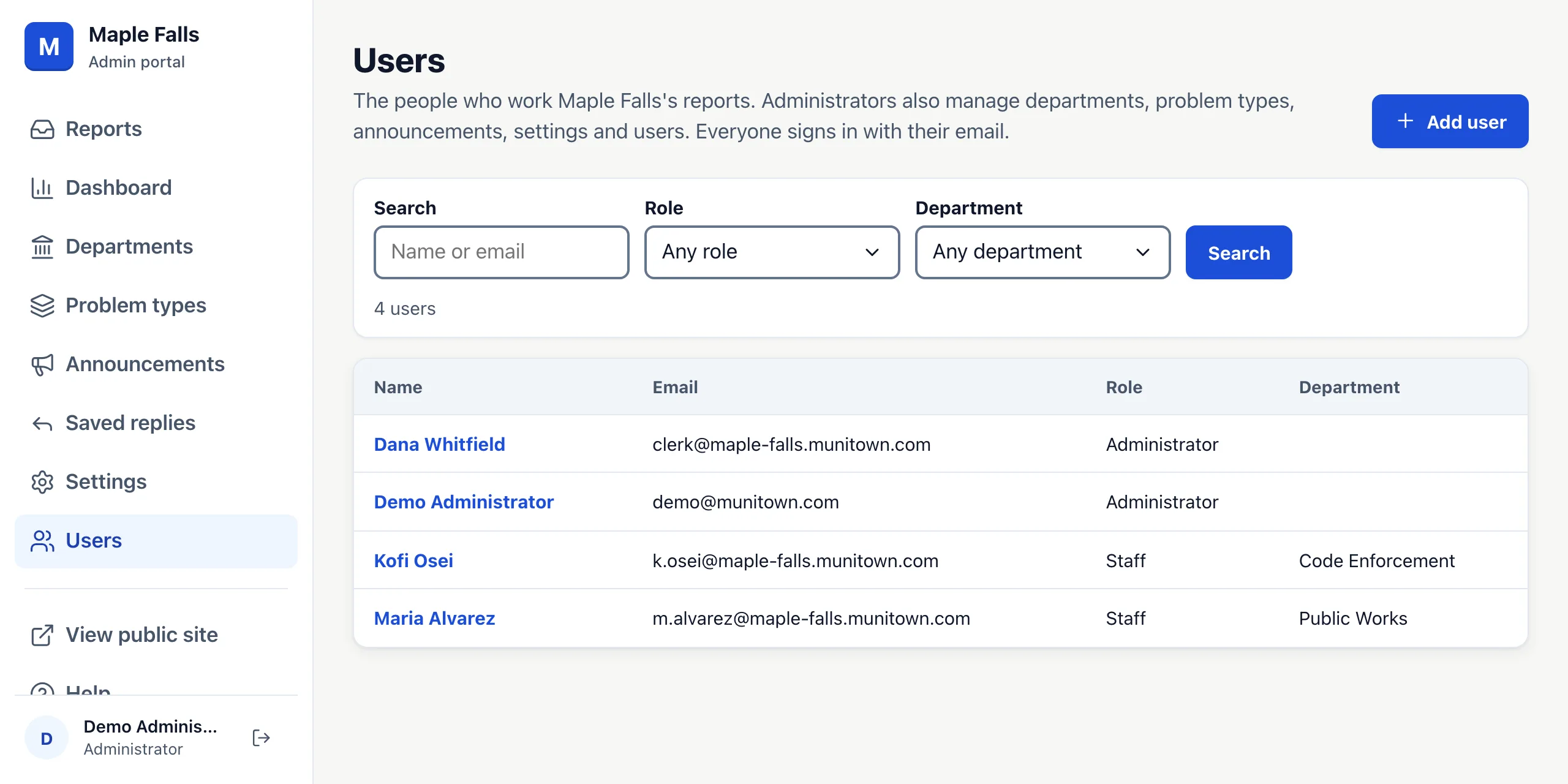
Search by name or email, or filter by role or department. Press a name to change that person.
Add a user
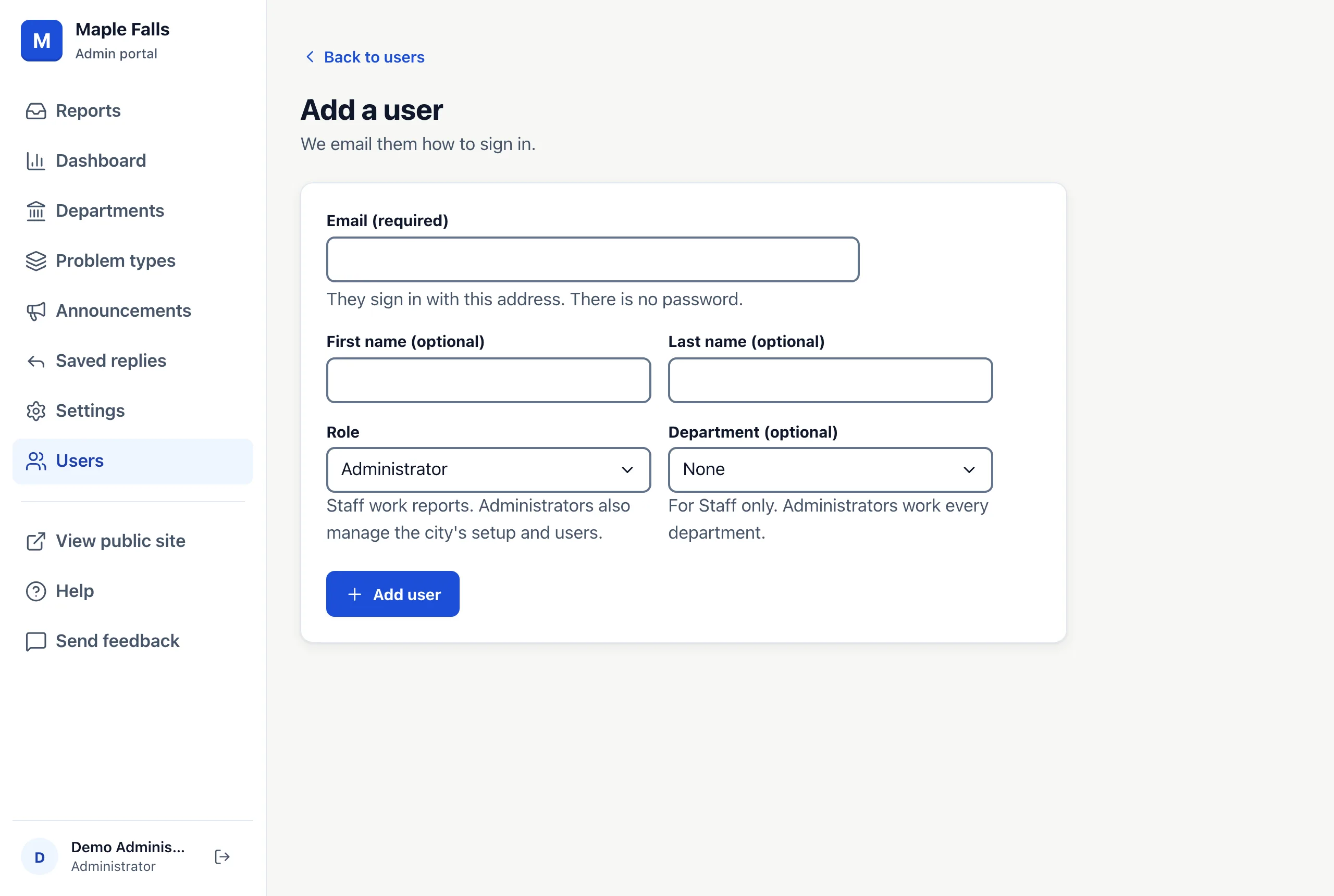
- Press Add user.
- Type their work Email. They sign in with it; there is no password.
- Choose a Role: Staff work reports; Administrators also manage the city's setup and users.
- For Staff, you can choose a Department. They then see only that department's reports, plus any assigned to them. Leave it as None to show them every report.
- Press Add user. We email them how to sign in.
One person can work for more than one city, with a role in each. After signing in, they choose the city.
Change or remove someone
Open their page to change their name, role or department, or press Remove. A removed person can't sign in to your city any more, and reports assigned to them become unassigned. You can't remove yourself, and every city needs at least one Administrator. A department whose default assignee is removed, or can no longer see its reports after a change of role or department, goes back to no default assignee. A name shows in every city the person works for, so if they also work for a city you don't manage, their name stays as it is.