Exporting your records
Download every report, its history and its photos, for public records requests or your own files.
Your reports are yours. An Administrator can download all of them at any time from the Export tab of Settings, for a public records request, your retention schedule, or if you stop using Munitown.
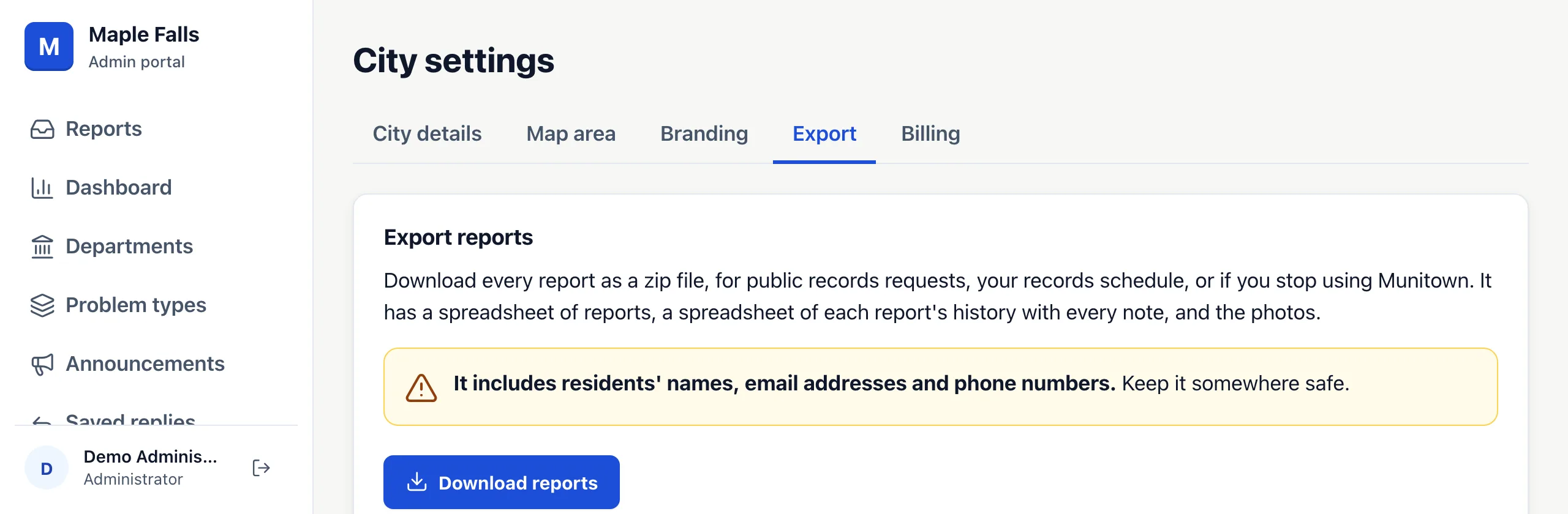
The download is a zip file with:
- reports.csv: one row per report, with its problem type, department, status, dates, location, description and the reporter's details.
- history.csv: every status change, assignment and note, with who made it and whether the resident could see it.
- photos: each resident photo and after photo, named by tracking code.
The spreadsheets open in Excel. Times in them are in UTC. If you have more than 300 photos, the export comes in parts: part 1 has the spreadsheets, and the other parts have the photos.
The file includes residents' names, email addresses and phone numbers. Keep it somewhere safe.