What residents see
How a resident reports a problem, gets a tracking code and follows it, and what stays private.
Residents use your city's site from a phone or a computer. They need no app, no account and no password.
Reporting a problem
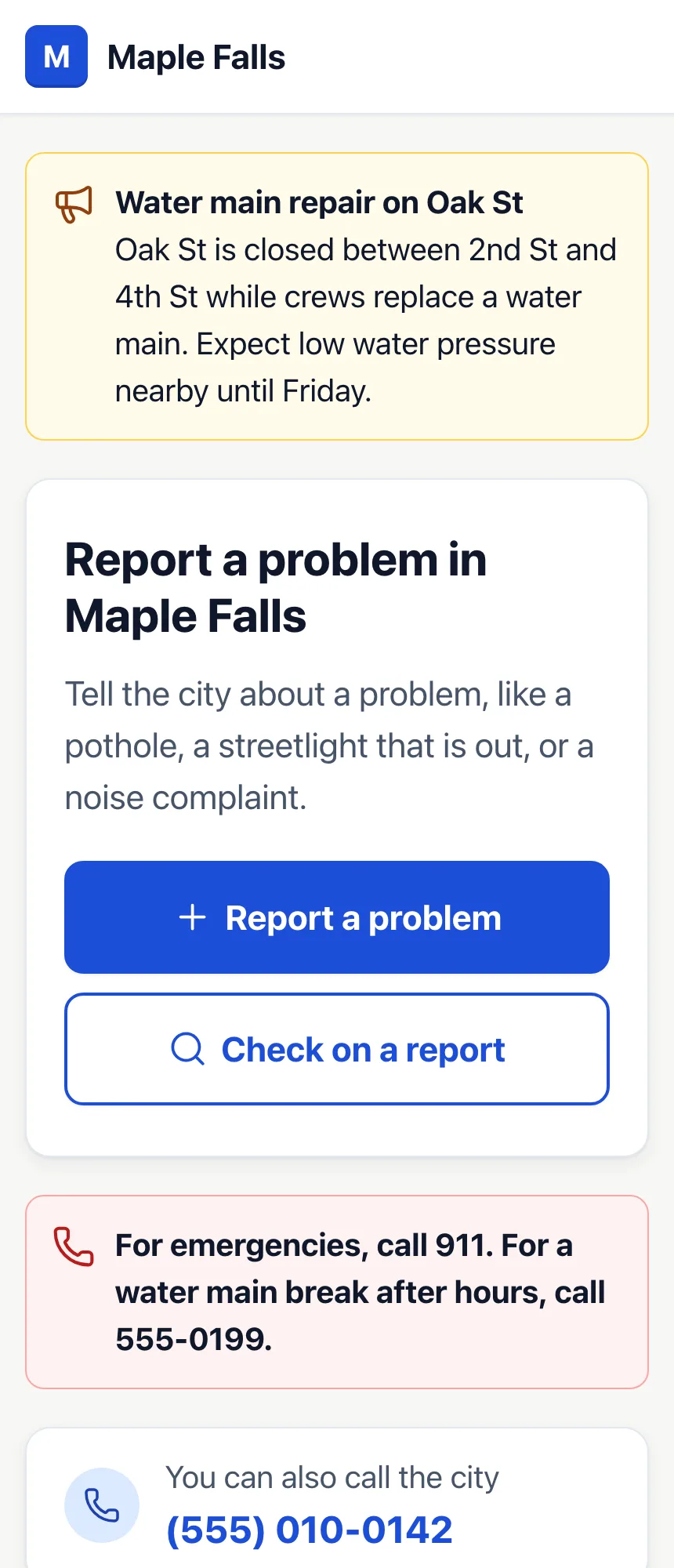
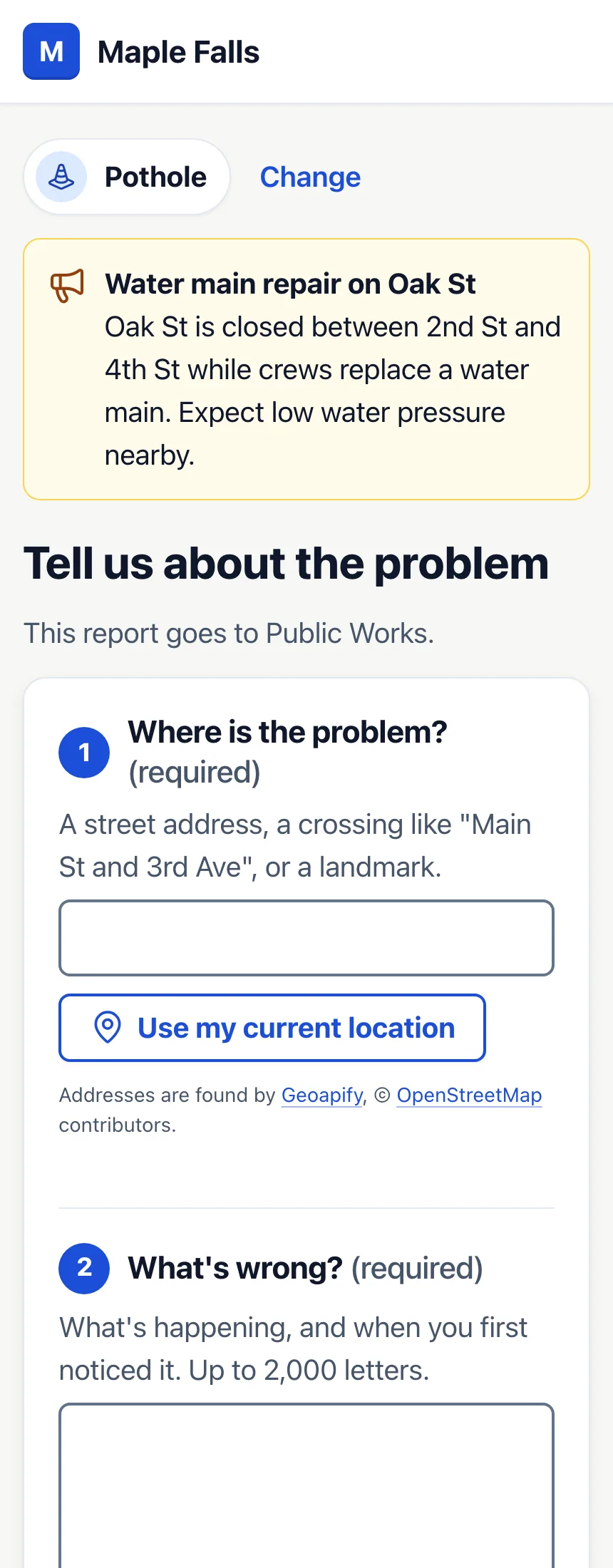
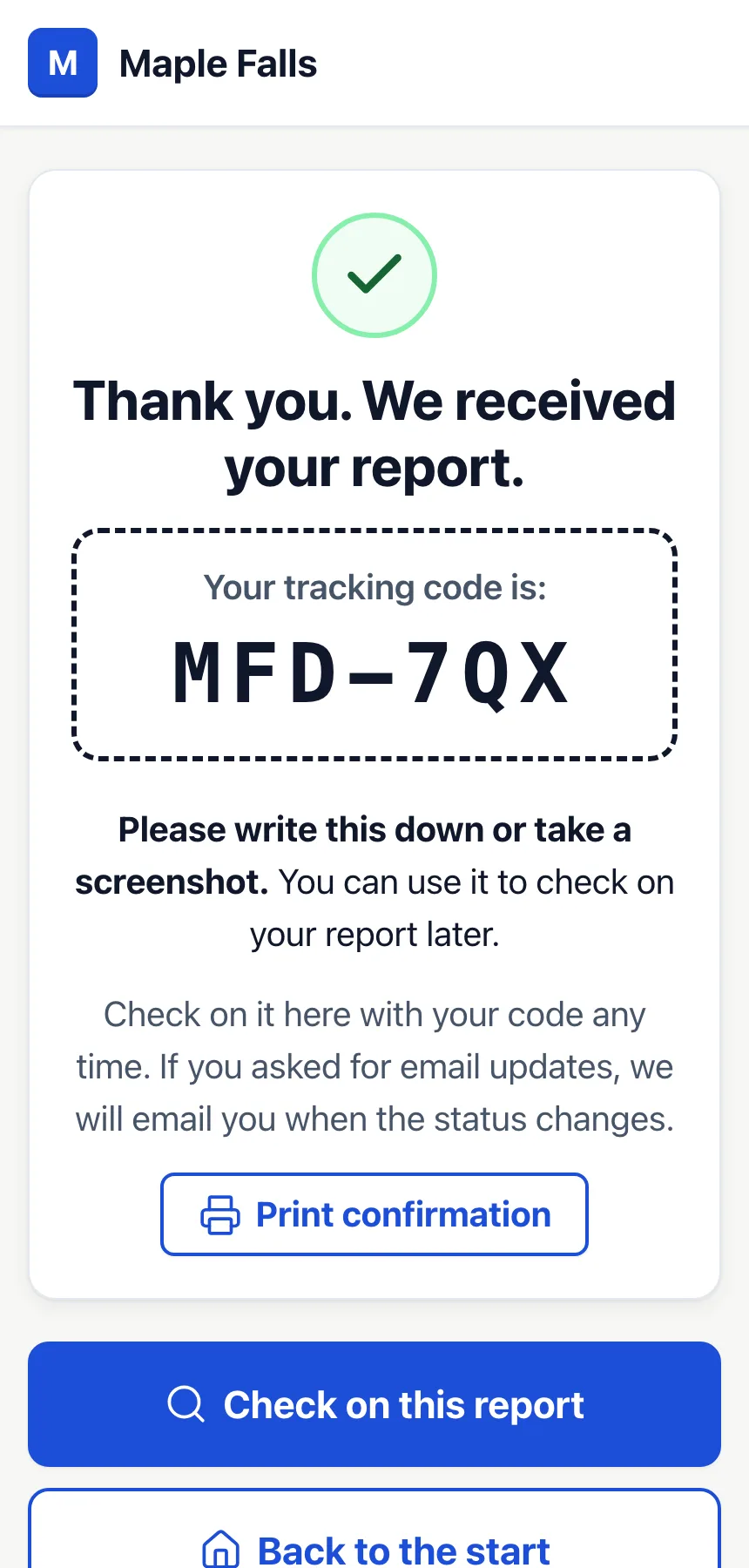
- They press Report a problem and choose the kind of problem.
- They say where it is, by typing an address or landmark, or by pressing Use my current location, and what's wrong. A photo and contact details are optional.
- They press Send my report and get a tracking code, like ABC-234, to write down or print.
Once your city's Map area is set, the form checks where the problem is. A resident far outside your city who presses Use my current location is asked to type the address instead. A typed address that is a real one only somewhere else is sent back once, asking them to check it; if they send it again, the report is saved without a place on the map. Landmarks and crossings are never questioned.
If they give an email and check Email me updates about this report, we email them when the status changes or you send them a message. Every email has a link to stop them.
Following a report
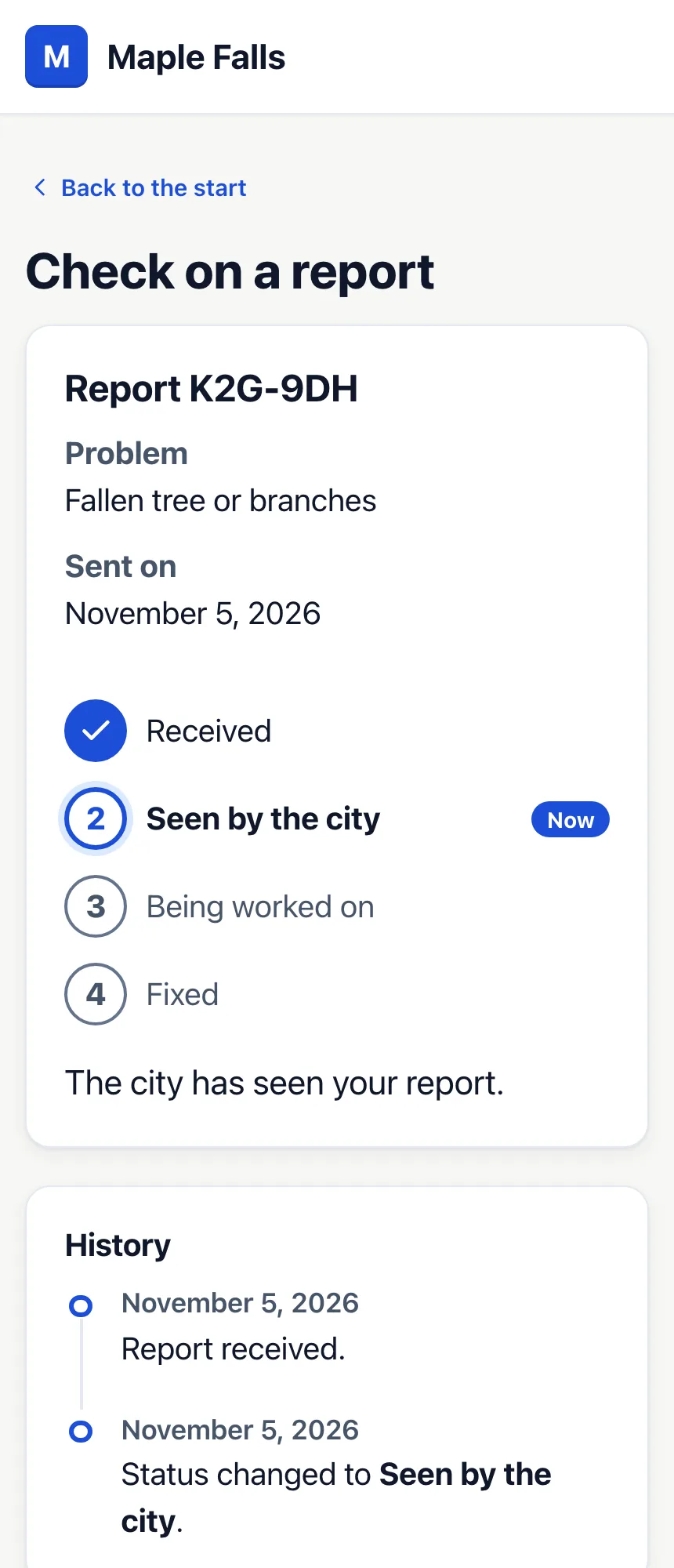
Under Check on a report, a resident types the tracking code to see the problem type, when it was sent, its status and history, and the messages and after photo you chose to show them. Once a report is fixed, it asks them whether the problem is really fixed.
What stays private
The tracking page never shows the description, the location, the resident's photo, their contact details, notes for staff, the department or who it's assigned to. Anyone with the code can see the page, so never put personal details in a message you show to the resident.
The site removes the location data hidden in photos, checks that each report comes from a person, and limits how many reports one internet address can send in a minute. Read more in the privacy notice and the security questions for city IT staff.