The Reports inbox
Find reports by status, department or address, spot the overdue ones, and see them on a map.
The Reports page is where every report lands, whether a resident sent it from the website or staff entered it. It shows open reports first, newest at the top, 20 to a page.
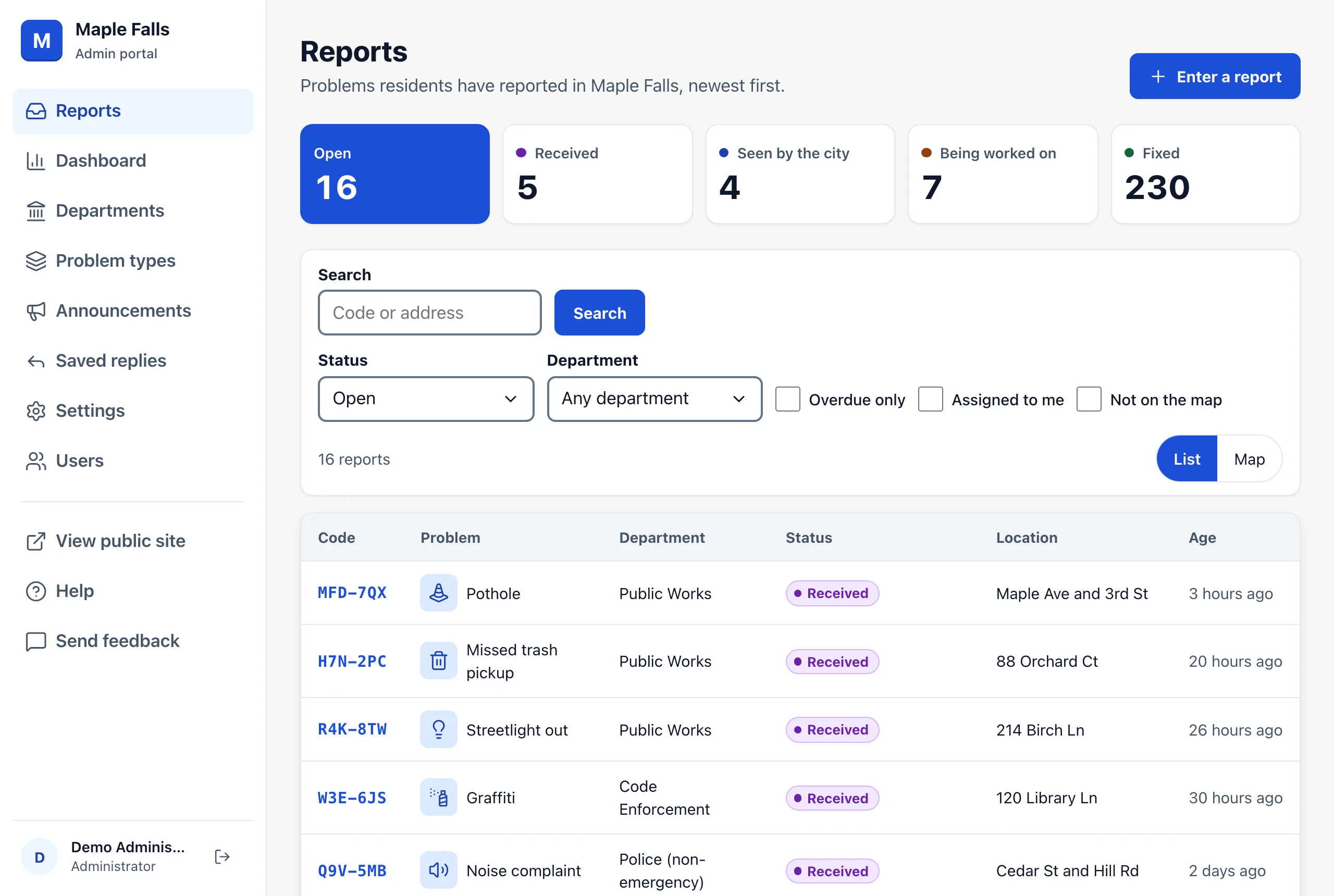
Counts at the top
The five tiles count reports that are Open (not fixed or closed), Received, Seen by the city, Being worked on and Fixed. Press a tile to list those reports.
Search
Type part of a tracking code, an address, or a word from the description or the reporter's name, email or phone, then press Search. A search looks at reports in every status unless you choose one. A full tracking code opens that report straight away.
Filters
- Status: Open (the default), Any status, or one status.
- Department: one department's reports.
- Overdue only: open reports older than their problem type's target fix time.
- Assigned to me: reports assigned to you.
- Not on the map: reports with no place on the map, so you can open each one and give it a place.
Press Clear to start over. A filtered list has its own web address, so you can bookmark it or send it to a coworker.
Overdue reports
If a problem type has a Target fix time in days, an open report older than that shows an Overdue tag beside its status. Fixed and closed reports are never overdue, and residents never see the tag. Set target times on the Problem types page.
The map
Press Map to see the same reports as pins. The search and filters still apply. Pins close together are grouped; zoom in to separate them. Press a pin to see the report's code, problem, status, age and address.
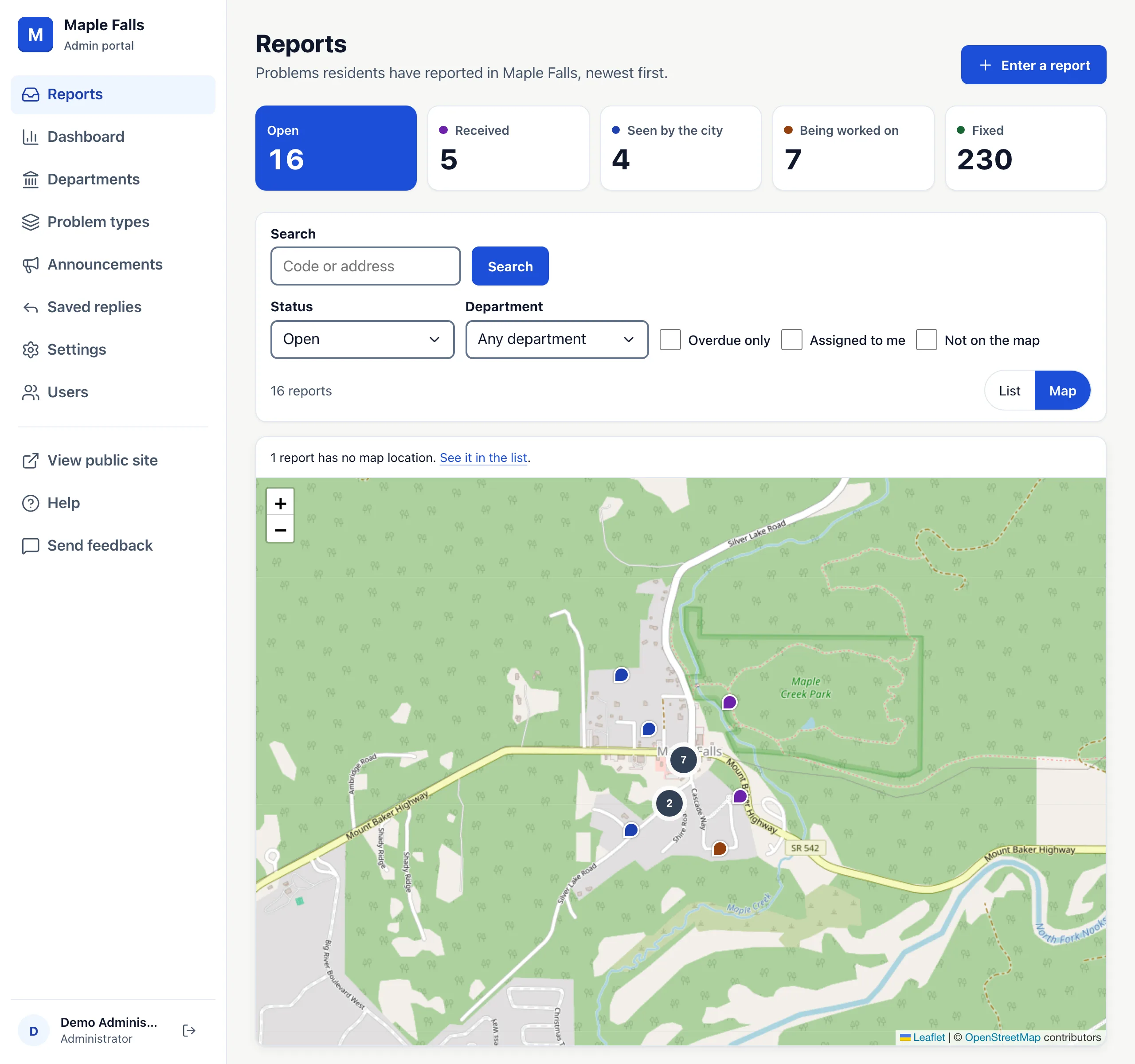
Only reports with a map location appear. Residents add one with Use my current location. Once an Administrator sets your city's Map area in Settings, a report with a street address and house number gets one too, whether a resident typed it or staff entered it. A landmark or a crossing has none. A line above the map says how many reports are missing, with a link that lists them. Open one and use Change location to put it on the map. The map shows at most the newest 1,000 reports.