Your first week
Sign in, set up your city, add your coworkers, and link to the site from your city's website.
Sign in
Go to the Munitown website and choose Sign in. Type your work email and press Email me a code. There is no password. We email you a 6-digit code and a sign-in link. Use either one within 15 minutes.
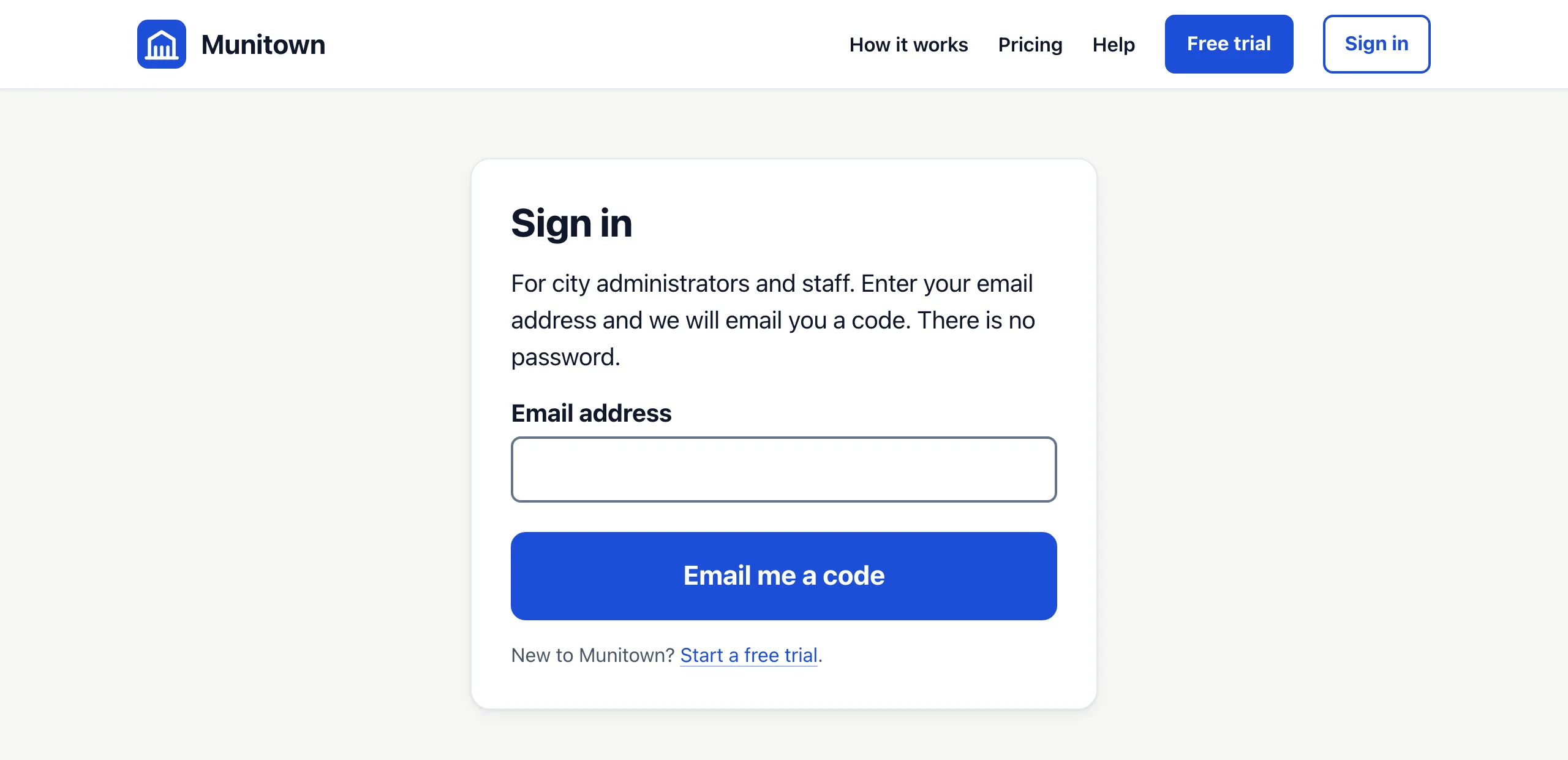
- Type the code into Code from the email and press Sign in. Or open the link in the email and press Continue.
- Each code and link works once. After 5 wrong tries, a code stops working. Ask for a new one.
- No email after a few minutes? Check your spam folder, then press send a new code.
- You stay signed in for 14 days on that device. To sign out, press the arrow beside your name at the bottom of the menu.
Only people your city has added can sign in. If you see No access, ask your city's Administrator to add you.
Set up your city
A new city starts with 4 departments and 12 problem types, so residents can report right away. Before you share the link, check these pages:
- Settings: your city's name, phone number, time zone and emergency notice. Add your color and logo on its Branding tab, and say where your city is on its Map area tab, so typed addresses show on the map.
- Departments: add an email address to each department that should hear about new reports.
- Problem types: rename, hide or add the kinds of problems residents can report, and choose which department gets each one.
- Users: add your coworkers. Each one gets an email telling them how to sign in.
- Saved replies: write the messages you send most often.
Share the link
Your residents' site has its own web address, shown on the Settings page. Choose View public site in the menu to open it. Link to it from your city's website, social media and newsletters. Residents need no app and no account.
Who can do what
Everyone has one of two roles in each city.
- Staff work reports: the Reports inbox, each report, Enter a report and the Dashboard.
- Administrators do all of that, and also manage departments, problem types, announcements, saved replies, settings, billing and users.
Staff can be limited to one department. They then see only that department's reports, plus any report assigned to them. This applies to the inbox, the map, the dashboard and nearby reports. See Users and roles.
Send us feedback
Something not working, or have an idea? Choose Send feedback in the menu. Pick Something is not working or An idea or a request, write your message and press Send feedback.
We see your name, your city and the page you were on, so you don't need to tell us where it happened. We reply by email. Anyone in your city can send it, Staff too, up to 10 messages a day.